Netflix Web Series: A Complete Guide to Streaming TV
Navigating the Realm of On-Demand Entertainment

Netflix, a global powerhouse in the streaming entertainment industry, has revolutionized how we consume television. From its humble beginnings as a DVD rental service, it has transformed into a content creation and distribution behemoth, offering a vast library of web series, films, documentaries, and more. Understanding the intricacies of Netflix’s offerings, algorithms, and features is crucial for maximizing your streaming experience. This comprehensive guide delves into the core aspects of Netflix web series, providing insights into genres, discovery methods, device compatibility, account management, and troubleshooting common issues.
The Genre Spectrum: A Kaleidoscope of Choices
Netflix boasts an expansive catalogue spanning virtually every genre imaginable. Categorizing these genres is essential for targeted browsing and efficient content discovery.
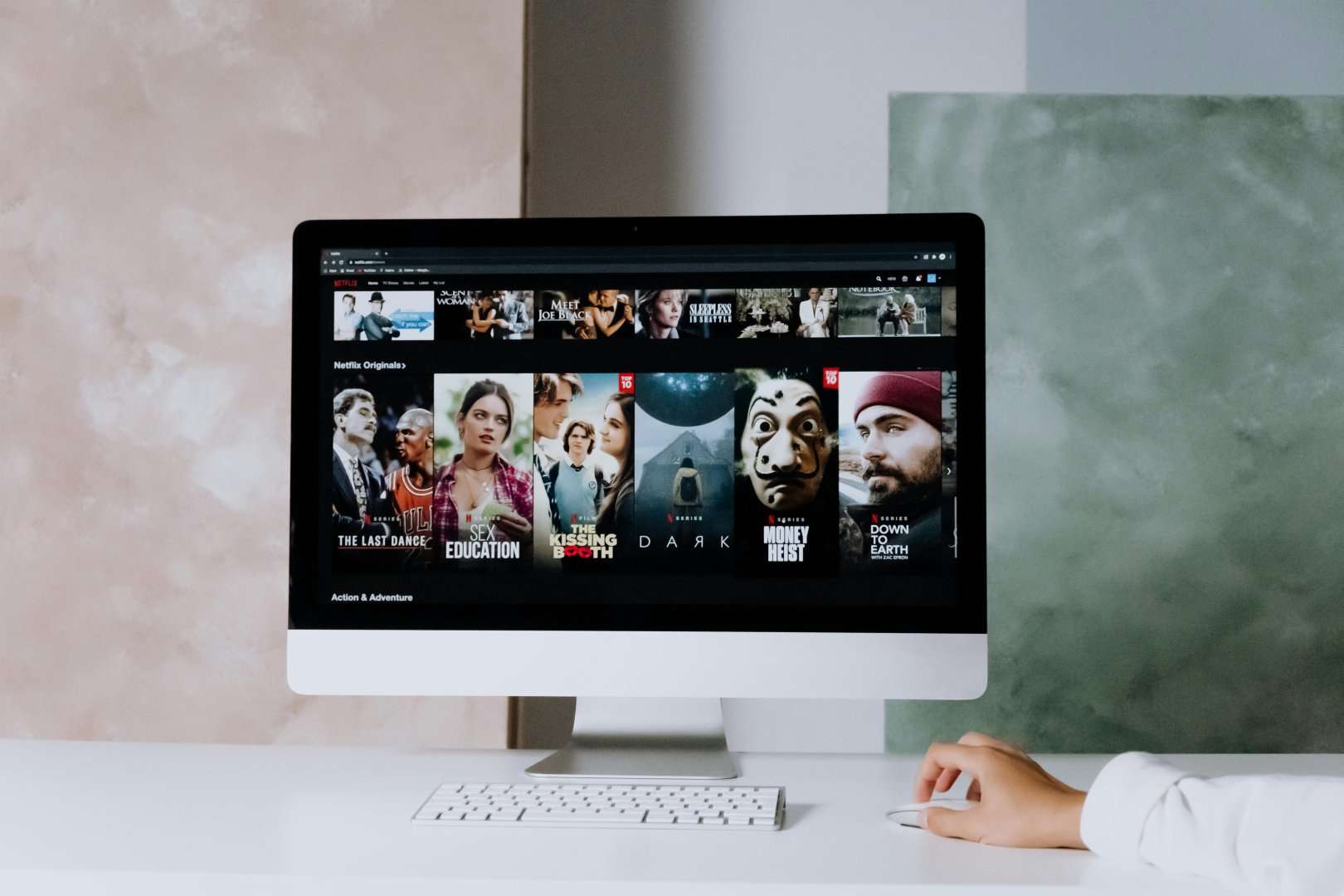
-
Drama: From gripping crime thrillers like “Ozark” and “Mindhunter” to historical epics like “The Crown” and character-driven narratives like “Unbelievable,” Netflix’s drama offerings cater to a wide range of tastes. These series often feature complex plots, morally ambiguous characters, and high production values.
-
Comedy: Lighthearted sitcoms such as “The Good Place” and “Unbreakable Kimmy Schmidt” provide comedic relief, while darker comedies like “BoJack Horseman” and “After Life” explore more profound themes with a humorous lens. Stand-up specials from renowned comedians are also a staple of the comedy category.
-
Action & Adventure: High-octane action series like “Daredevil” and “The Witcher” deliver thrilling fight sequences and captivating storylines. Adventure series such as “Lost in Space” transport viewers to fantastical worlds filled with danger and excitement.
-
Sci-Fi & Fantasy: Immersive sci-fi series like “Stranger Things” and “Black Mirror” explore technological advancements and their impact on society. Fantasy series like “Shadow and Bone” transport viewers to magical realms filled with mythical creatures and epic quests.
-
Documentaries: Netflix’s documentary library covers a wide range of topics, from true crime stories like “Making a Murderer” and “Tiger King” to insightful explorations of social issues like “13th” and “Our Planet.” These documentaries often spark conversations and raise awareness about important issues.
-
Horror: From supernatural thrillers like “The Haunting of Hill House” to psychological horror series like “Marianne,” Netflix offers a diverse selection of horror content to satisfy even the most discerning horror fans.
-
Romance: Heartwarming romantic comedies like “Emily in Paris” and “Never Have I Ever” offer feel-good entertainment, while more dramatic romance series like “Bridgerton” explore complex relationships and societal norms.
-
Animation: Adult animation series like “Rick and Morty” and “Big Mouth” push the boundaries of comedy and storytelling, while family-friendly animated series like “She-Ra and the Princesses of Power” provide engaging entertainment for younger audiences.
-
International Content: Netflix has invested heavily in international content, offering a diverse selection of web series from around the world. These series provide a glimpse into different cultures and perspectives, expanding viewers’ horizons beyond Hollywood productions. Examples include “Squid Game” (South Korea), “Dark” (Germany), and “Money Heist” (Spain).
Unlocking the Discovery Algorithm: Finding Your Next Binge
Netflix’s recommendation algorithm plays a crucial role in helping viewers discover new content. Understanding how this algorithm works can significantly enhance your viewing experience.
-
Personalized Recommendations: Netflix uses a complex algorithm that analyzes your viewing history, ratings, and search queries to generate personalized recommendations. The more you interact with the platform, the more accurate the recommendations become.
-
Genre-Based Browsing: Navigating through specific genres allows you to narrow down your search and discover series that align with your interests.
-
Trending Now: The “Trending Now” section highlights popular series that are currently being watched by a large number of users. This can be a great way to discover new content that is generating buzz.
-
Top 10 Lists: Netflix’s “Top 10” lists showcase the most popular series in your region. This provides a quick overview of what’s currently trending and can help you identify potential binge-worthy shows.
-
User Reviews and Ratings: While Netflix doesn’t prominently feature user reviews, you can find external websites and forums dedicated to discussing and rating Netflix series. These reviews can provide valuable insights and help you make informed decisions about what to watch.
-
Utilizing Keywords: Using specific keywords in the search bar can help you find series that match your specific interests. For example, searching for “crime drama” or “sci-fi thriller” will yield more targeted results than a generic search for “series.”
-
“Because You Watched…” Feature: This feature suggests series that are similar to those you have previously enjoyed. It’s a great way to discover hidden gems that you might otherwise have missed.
-
Netflix Codes: Netflix uses a system of secret codes to categorize its content into hyper-specific subgenres. These codes can be used to unlock hidden categories that are not readily visible on the main browsing interface. A quick online search for “Netflix secret codes” will reveal a comprehensive list.
Device Compatibility: Streaming on the Go
Netflix is accessible on a wide range of devices, allowing you to stream your favorite web series wherever you are.
-
Smart TVs: Most modern smart TVs come with a pre-installed Netflix app. Simply log in with your account credentials to start streaming.
-
Streaming Devices: Devices like Roku, Amazon Fire TV Stick, and Apple TV offer seamless integration with Netflix and provide access to a vast library of content.
-
Gaming Consoles: PlayStation and Xbox consoles also have a Netflix app, allowing you to stream web series on your gaming setup.
-
Computers and Laptops: You can watch Netflix directly on your computer or laptop through a web browser or the dedicated Netflix app.
-
Mobile Devices: The Netflix app is available for iOS and Android devices, allowing you to download content for offline viewing.
Account Management: Optimizing Your Subscription
Managing your Netflix account effectively is crucial for maximizing your streaming experience.
-
Subscription Plans: Netflix offers a range of subscription plans with varying features and pricing. Choose the plan that best suits your needs based on the number of devices you want to stream on simultaneously and the desired video quality.
-
Profile Management: Create separate profiles for different members of your household to personalize recommendations and track viewing history.
-
Parental Controls: Set parental controls to restrict access to certain content based on age ratings. This ensures that children are only exposed to age-appropriate material.
-
Payment Information: Keep your payment information up to date to avoid interruptions in your subscription.
-
Download Management: Manage your downloaded content to free up storage space on your devices.
-
Viewing Activity: Review your viewing activity to identify any unauthorized access or to simply track your viewing habits.
Troubleshooting Common Issues: Resolving Streaming Problems
Encountering technical issues while streaming Netflix is not uncommon. Here are some common problems and their solutions.
-
Buffering Issues: Check your internet connection speed and ensure that you have sufficient bandwidth for streaming. Try restarting your router or modem.
-
Error Codes: Refer to Netflix’s help center for specific error code resolutions. Each error code corresponds to a particular problem and has a corresponding troubleshooting guide.
-
App Crashing: Clear the cache and data of the Netflix app or try reinstalling it.
-
Audio or Video Problems: Check your device’s audio and video settings. Ensure that your device is compatible with the video quality you are trying to stream.
-
Account Issues: If you are having trouble logging in or accessing your account, contact Netflix customer support for assistance.
-
Content Not Available: Some content may not be available in your region due to licensing restrictions. Use a VPN (Virtual Private Network) service, but be aware of Netflix’s policies regarding VPN usage.
-
Subtitles Not Working: Check your subtitle settings and ensure that subtitles are enabled for the desired language.
Conclusion: Embracing the Streaming Revolution
Netflix has fundamentally changed the landscape of television, offering a vast and diverse library of web series that cater to every taste. By understanding the platform’s features, algorithms, and troubleshooting techniques, you can unlock the full potential of Netflix and enjoy a seamless and personalized streaming experience. From exploring different genres to managing your account effectively, this guide provides the essential knowledge needed to navigate the world of Netflix web series. As Netflix continues to evolve and expand its content offerings, staying informed and adaptable is key to maximizing your enjoyment of this revolutionary streaming service.