
Top MX Player Alternatives: Streaming Options You Need to Know
MX Player, once the go-to app for offline video playback on Android, has evolved into a streaming platform. While this transformation provides users with readily available content, it also means the app is now filled with ads, offers a less streamlined user experience, and may not cater to those primarily seeking a robust offline media player. This article dives into the best MX Player alternatives, covering both offline playback powerhouses and feature-rich streaming platforms, equipping you with the knowledge to choose the perfect option for your specific needs.
I. Offline Playback Champions: Taking Control of Your Local Media
For users who prioritize playing locally stored videos, these alternatives offer superior performance, customization, and ad-free enjoyment compared to MX Player’s current iteration.
1. VLC Media Player: The undisputed king of open-source media players. VLC is a cross-platform solution available on Android, iOS, Windows, macOS, and Linux. Its versatility is unmatched, supporting virtually every video and audio codec imaginable, eliminating the need for external codec packs.

-
Key Features:
- Codec Support: Handles MPEG-2, MPEG-4, H.264, MKV, WebM, WMV, MP3, and countless other formats natively.
- Hardware Acceleration: Leverages your device’s hardware for smooth playback of high-resolution videos, reducing battery drain.
- Subtitle Support: Advanced subtitle handling, including auto-detection, online subtitle download (using extensions), and customizable styling.
- Audio Controls: Fine-grained audio controls, including equalizer, volume boost, and audio delay adjustment.
- Network Streaming: Play videos directly from network shares (SMB, NFS, FTP) and URLs.
- Customization: Highly customizable interface with themes and skins.
- Open Source & Ad-Free: Completely free and open-source, guaranteeing no intrusive ads or data tracking.
-
Why It’s a Great Alternative: VLC’s comprehensive codec support and robust feature set make it a reliable and versatile choice for playing any video file you throw at it. Its open-source nature ensures transparency and community-driven development.
2. KMPlayer: A feature-rich media player known for its extensive customization options and powerful playback engine. KMPlayer is available on Windows, macOS, Android, and iOS.
-
Key Features:
- Codec Support: Supports a wide range of codecs, including HEVC (H.265), VP9, and 3D video formats.
- Hardware Acceleration: Optimizes playback for various hardware configurations, ensuring smooth performance even on older devices.
- Subtitle Support: Similar to VLC, KMPlayer offers advanced subtitle options, including online subtitle search and customization.
- Video Effects: A variety of video effects, such as sharpening, blurring, noise reduction, and color adjustments.
- Audio Effects: Audio effects including equalization, reverb, and normalization.
- Screen Capture: Capture screenshots or record video clips directly from the player.
- URL Playback: Play videos from URLs and network streams.
-
Why It’s a Great Alternative: KMPlayer provides a balance between ease of use and advanced features, making it suitable for both casual users and video enthusiasts. Its extensive customization options allow you to tailor the player to your specific preferences.
3. BSPlayer: A lightweight and efficient media player that prioritizes performance and resource utilization. BSPlayer is available on Windows and Android.
-
Key Features:
- Low Resource Consumption: Designed to minimize CPU and memory usage, ideal for older or less powerful devices.
- Hardware Acceleration: Utilizes hardware acceleration to improve playback performance.
- Subtitle Support: Automatic subtitle search and download, as well as customizable subtitle appearance.
- Playback Speed Control: Adjust playback speed for faster or slower viewing.
- Zoom Functionality: Zoom in on specific areas of the video for detailed viewing.
- Playlist Support: Create and manage playlists of your favorite videos.
- Skin Support: Customize the player’s appearance with various skins.
-
Why It’s a Great Alternative: BSPlayer is a great choice for users who need a lightweight and efficient media player that doesn’t compromise on features. Its low resource consumption makes it ideal for devices with limited processing power.
4. GOM Player: A versatile media player that supports a wide range of file formats and offers advanced features like VR and 360-degree video playback. GOM Player is available on Windows, macOS, Android, and iOS.
-
Key Features:
- Codec Support: Plays most common video and audio formats, and can automatically download missing codecs.
- VR and 360° Video Playback: Supports playback of VR and 360-degree videos, providing an immersive viewing experience.
- Subtitle Support: Extensive subtitle options, including online subtitle search and customization.
- Screen Capture: Capture screenshots or record video clips.
- Advanced Controls: Adjust brightness, contrast, saturation, and other video settings.
- Audio Equalizer: Customize audio output with a built-in equalizer.
- Remote Control: Control playback remotely using a smartphone app.
-
Why It’s a Great Alternative: GOM Player’s support for VR and 360-degree video playback sets it apart from other media players. Its comprehensive feature set and user-friendly interface make it a solid all-around choice.
II. Streaming Platforms: Expanding Your Entertainment Horizons
If you’re looking for a comprehensive streaming experience with a vast library of movies, TV shows, and original content, these alternatives offer a compelling alternative to MX Player’s streaming service.
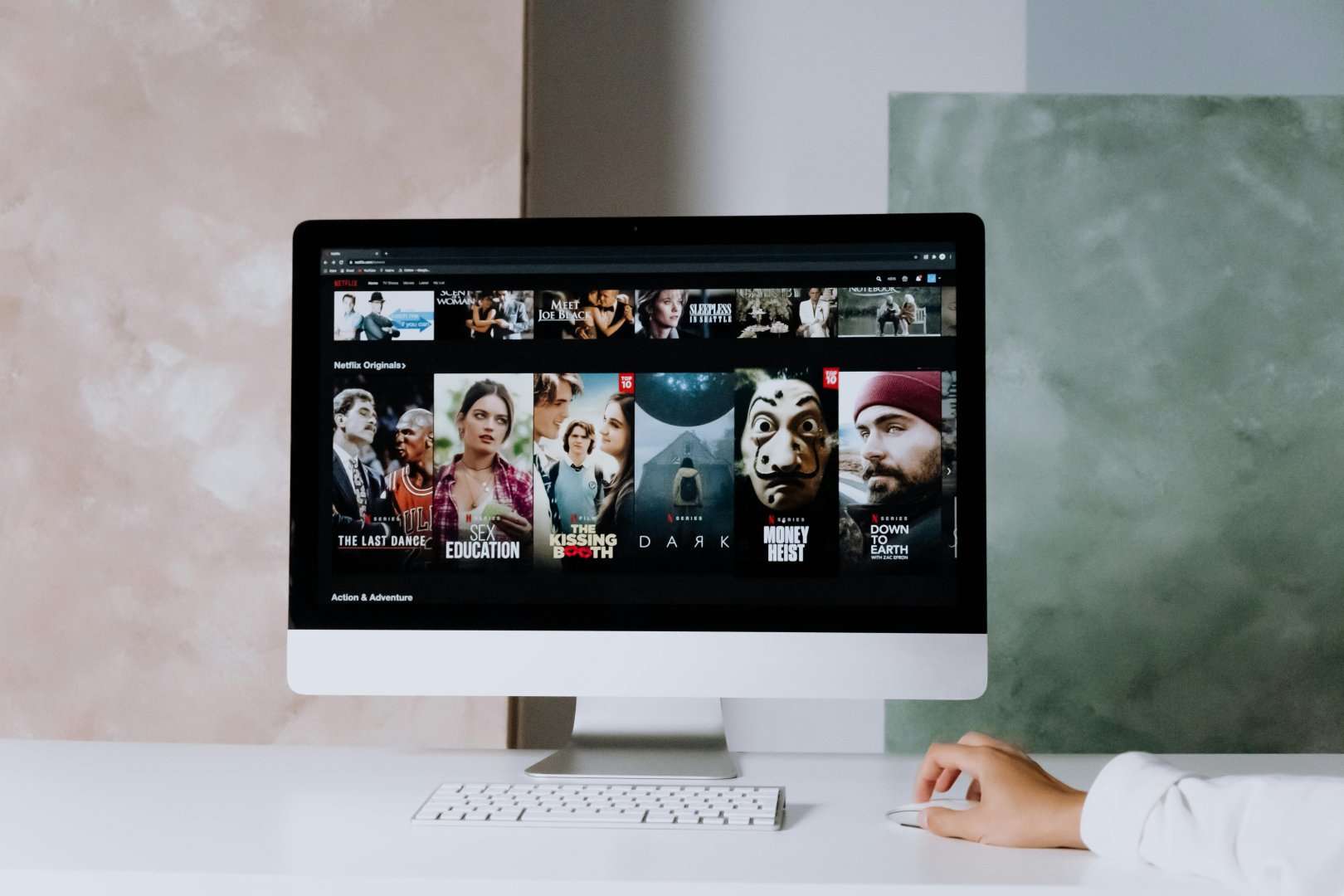
1. Netflix: The undisputed leader in the streaming world, Netflix offers a massive library of movies, TV shows, documentaries, and original content.
-
Key Features:
- Extensive Content Library: A vast and constantly updated library of content across various genres.
- Original Content: Award-winning original series and movies produced by Netflix.
- Personalized Recommendations: Algorithm-driven recommendations based on your viewing history.
- Offline Downloads: Download content for offline viewing on mobile devices.
- Multiple Profiles: Create separate profiles for different family members.
- 4K HDR Streaming: Supports 4K HDR streaming on compatible devices.
- Cross-Platform Compatibility: Available on a wide range of devices, including smartphones, tablets, smart TVs, and gaming consoles.
-
Why It’s a Great Alternative: Netflix offers a premium streaming experience with a massive content library and a user-friendly interface. Its original content is a major draw for many subscribers.
2. Amazon Prime Video: Bundled with an Amazon Prime subscription, Prime Video offers a diverse selection of movies, TV shows, and original content.
-
Key Features:
- Content Library: A large and growing library of movies, TV shows, and original content.
- Original Content: Critically acclaimed original series and movies produced by Amazon Studios.
- Offline Downloads: Download content for offline viewing.
- X-Ray: Provides information about actors, characters, and trivia during playback.
- Watch Party: Watch content with friends and family remotely.
- 4K HDR Streaming: Supports 4K HDR streaming on compatible devices.
- Bundled with Amazon Prime: Access to Prime Video is included with an Amazon Prime subscription, offering additional benefits like free shipping and music streaming.
-
Why It’s a Great Alternative: Amazon Prime Video provides excellent value for Amazon Prime subscribers, offering a wide range of content and exclusive benefits like X-Ray and Watch Party.
3. Disney+: The home of Disney, Pixar, Marvel, Star Wars, and National Geographic content, Disney+ is a must-have for families and fans of these franchises.
-
Key Features:
- Exclusive Content: Access to the entire Disney, Pixar, Marvel, Star Wars, and National Geographic libraries.
- Original Content: Original series and movies based on popular Disney franchises.
- Offline Downloads: Download content for offline viewing.
- GroupWatch: Watch content with friends and family remotely.
- 4K HDR Streaming: Supports 4K HDR streaming on compatible devices.
- Multiple Profiles: Create separate profiles for different family members.
- Parental Controls: Robust parental controls to restrict content based on age ratings.
-
Why It’s a Great Alternative: Disney+ is the ultimate streaming service for Disney fans, offering a vast library of iconic movies and TV shows, as well as exclusive original content.
4. YouTube Premium: YouTube Premium offers an ad-free viewing experience, background playback, and access to YouTube Music Premium.
- Key Features:
- Ad-Free Viewing: Enjoy YouTube videos without any ads.
- Background Playback: Continue listening to videos even when the app is minimized.
- YouTube Music Premium: Access to YouTube Music Premium, a music streaming service with millions of songs.
- Offline Downloads: Download videos for offline viewing.