

Amazon Mini TV Series Offline Guide: Download & Watch Without Internet
Understanding Amazon Mini TV and Its Offline Viewing Limitations
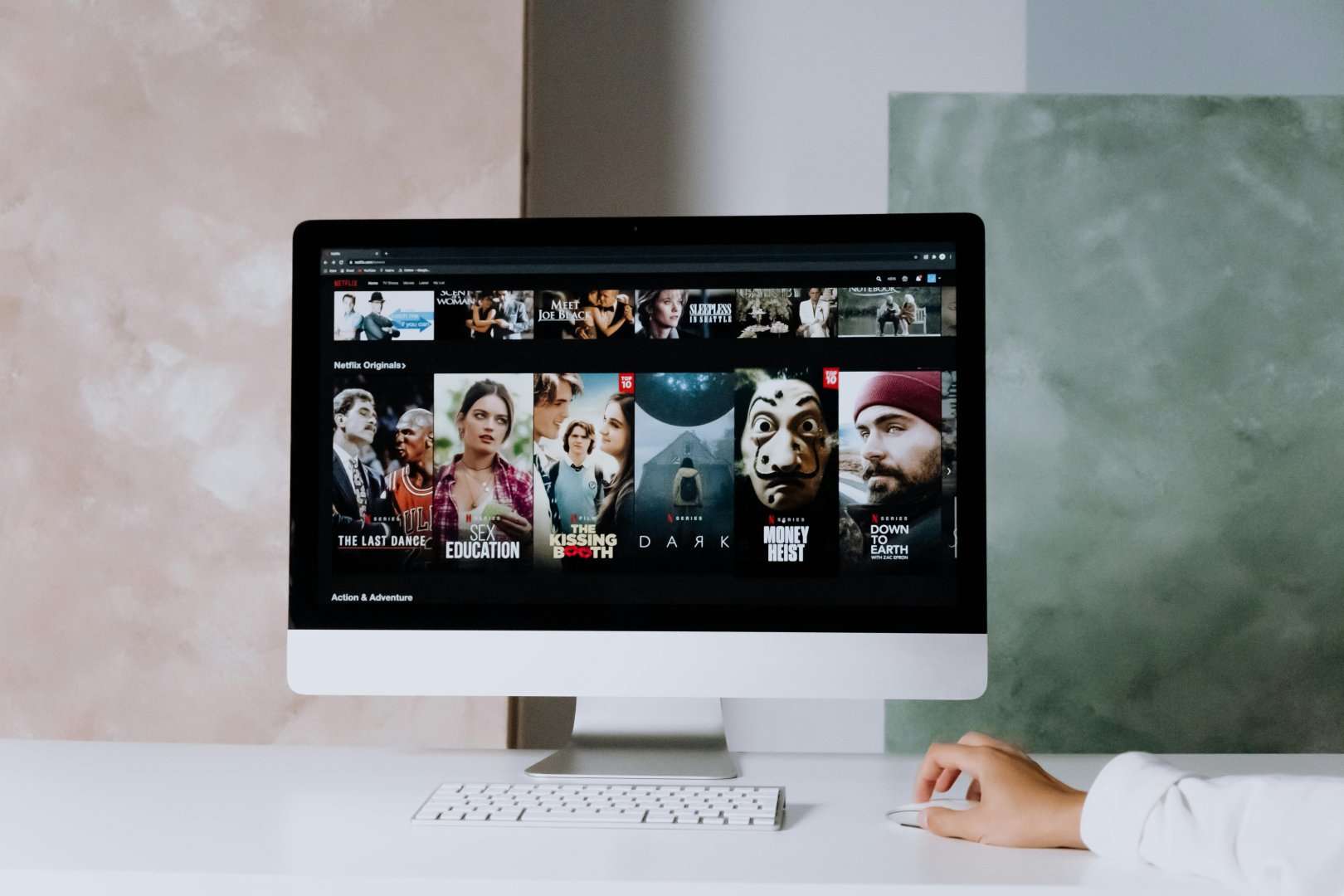
Amazon Mini TV is a free, ad-supported video streaming service integrated within the Amazon shopping app. It offers a diverse range of short-form content, including web series, comedy shows, reality TV, and more. Unlike Amazon Prime Video, which offers offline downloads for a vast library of movies and TV shows, Amazon Mini TV does not officially support offline viewing. This limitation presents a challenge for users who want to enjoy their favorite content on the go, during commutes, or in areas with unreliable internet connectivity.
Why No Official Download Option? The Rationale Behind the Limitation
Several factors likely contribute to the absence of an official download feature:
- Ad-Supported Model: Amazon Mini TV relies heavily on advertising revenue. Offline downloads would make it difficult to display ads, impacting the platform’s financial model.
- Content Protection: Preventing unauthorized distribution and piracy is a major concern for content providers. Offline downloads increase the risk of content being copied and shared illegally.
- Data Usage Concerns (Potentially): While seemingly counter-intuitive, Amazon might perceive that easily downloadable content could lead to higher data usage on user’s mobile plans, impacting perception of the Amazon shopping app itself. This is less likely, but possible.
- Storage Space: Short-form content is generally smaller in file size, but allowing downloads could still consume significant storage space on users’ mobile devices, potentially affecting app performance.
- Strategic Differentiation: Amazon might be intentionally differentiating Mini TV from Prime Video. Prime Video’s subscription model justifies the offline download feature, while Mini TV’s free, ad-supported model does not.
Circumventing the Limitation: Unofficial Methods for Offline Viewing
While Amazon Mini TV doesn’t offer an official download feature, several unofficial methods can be employed to watch content offline. These methods require third-party apps or browser extensions and may involve legal and ethical considerations. It’s crucial to understand these risks before proceeding. We strongly advise users to respect copyright laws and only download content for personal use.
1. Screen Recording Software/Apps:
- How it Works: Screen recording software captures the video displayed on your device’s screen. This method essentially records the entire screen, including the Amazon Mini TV content as it plays.
- Pros: Relatively simple to use. Available on both desktop and mobile devices.
- Cons: Lower video quality compared to direct downloads. Can be time-consuming as you need to play the entire video while recording. May capture unwanted screen elements like notifications or mouse movements. Larger file sizes compared to other methods. Requires active playback.
- Desktop Options: OBS Studio (free and open-source), Camtasia (paid), Bandicam (paid).
- Mobile Options: Built-in screen recording features on Android and iOS devices (usually accessible through the quick settings panel). AZ Screen Recorder (Android), DU Recorder (Android).
- Steps:
- Install and configure your chosen screen recording software.
- Open the Amazon shopping app and navigate to the Mini TV series you want to record.
- Start the screen recording.
- Play the video in full screen.
- Once the video is finished, stop the recording.
- Edit the recording to remove any unwanted sections (e.g., the start and end of the recording).
2. Third-Party Video Downloaders (Potentially Risky):
- How it Works: Some third-party video downloaders claim to be able to download videos from various streaming platforms, including those embedded within apps. These apps typically analyze the network traffic to identify the video stream URL and download it.
- Pros: Potentially higher video quality compared to screen recording. Can download videos in the background.
- Cons: Highly risky. Many of these apps are unreliable, contain malware, or violate the terms of service of the streaming platforms. Downloading content through unauthorized means may be illegal in some jurisdictions. Success is not guaranteed as Amazon can actively block these methods.
- Examples: We strongly discourage recommending specific apps due to the inherent risks involved. Proceed with extreme caution if you choose to explore this option. Thoroughly research the app’s reputation and user reviews before installing it.
- Important Considerations: If you choose to use a third-party downloader, use a reputable antivirus program to scan the downloaded files for malware. Be wary of apps that request excessive permissions. Understand the potential legal and ethical implications of downloading copyrighted content without authorization.
3. Browser Developer Tools (Advanced Users):
- How it Works: This method involves using the developer tools built into web browsers (e.g., Chrome, Firefox) to inspect the network traffic and identify the video stream URL. Once the URL is found, it can be downloaded using a download manager. This method only works if the Mini TV content is accessible through a web browser (which it currently isn’t designed to be).
- Pros: Potentially higher video quality. No need to install third-party software.
- Cons: Requires technical knowledge of web development and network analysis. Can be time-consuming and complex. May not work if the video stream is encrypted or protected. Highly unlikely to work with the Amazon Shopping app.
- Steps (Theoretical – unlikely to work with current Mini TV implementation):
- Open the Amazon Mini TV content in a web browser (if possible).
- Open the browser’s developer tools (usually by pressing F12).
- Go to the “Network” tab.
- Filter the network traffic by “Media” or “Video.”
- Play the video.
- Look for a video stream URL (usually ends with .mp4 or .m3u8).
- Copy the URL and use a download manager to download the video.
4. Emulators & Screen Recording (Android Users):
- How it Works: Android emulators like BlueStacks or NoxPlayer allow you to run Android apps on your computer. You can install the Amazon shopping app within the emulator and then use screen recording software on your computer to capture the Mini TV content.
- Pros: Allows you to use desktop screen recording software, potentially offering better recording quality and editing options.
- Cons: Requires installing and configuring an Android emulator. Can be resource-intensive, potentially slowing down your computer. Still relies on screen recording, with the limitations that entails.
- Steps:
- Install an Android emulator on your computer.
- Install the Amazon shopping app within the emulator.
- Open the Amazon shopping app and navigate to the Mini TV series you want to record.
- Start your desktop screen recording software.
- Play the video in full screen within the emulator.
- Once the video is finished, stop the recording.
- Edit the recording to remove any unwanted sections.
Improving Video Quality and Reducing File Size
Regardless of the method you choose, you can improve the video quality and reduce the file size of the downloaded content using video editing software.
- Video Editing Software: Programs like Handbrake (free and open-source), Adobe Premiere Pro (paid), and Filmora (paid) allow you to adjust video resolution, frame rate, and bitrate.
- Compression: Lowering the bitrate can significantly reduce the file size without drastically affecting the video quality. Experiment with different settings to find the optimal balance between file size and quality.
- Codec Selection: Using efficient video codecs like H.265 (HEVC) can further reduce file size compared to older codecs like H.264.
Ethical and Legal Considerations
Downloading copyrighted content without authorization is a violation of copyright law and can have legal consequences. It’s crucial to understand the laws in your jurisdiction before downloading any content. Consider the ethical implications of downloading content without supporting the creators and the platform. If you enjoy the content, consider supporting Amazon Mini TV by watching the ads or exploring other legal ways to access the content, such as subscribing to Amazon Prime Video.
Alternatives to Offline Viewing
While offline viewing is convenient, there are alternative ways to enjoy Amazon Mini TV content on the go:
- Mobile Data: If you have a sufficient mobile data plan, you can stream the content directly from the Amazon shopping app.
- Wi-Fi Hotspots: Connect to public Wi-Fi hotspots to stream content without using your mobile data. However, be aware of the security risks associated with public Wi-Fi networks.
- Download at Home, Watch on the Go: If you have reliable internet at home, download the content using one of the methods described above and transfer the files to your mobile device for offline viewing.
Disclaimer: This guide provides information for educational purposes only. We do not endorse or encourage any illegal or unethical activities. Users are solely responsible for complying with all applicable laws and regulations. We are not responsible for any consequences arising from the use of the information provided in this guide. Use these methods at your own risk.



![New Web Series for [Genre]: Find Your Next Obsession](https://webseriesdownload.website/wp-content/uploads/2026/02/pexels-photo-30151723.jpeg)